
API
WhatsApp Inbox API: integrate and automate your team's Inbox
Inbox now has its own API. Connect it to your CRM, helpdesk, or bot, automate assignment and closing, and get Inbox events on your webhook.
Inbox now has its own API. Everything your team does with conversations in Shared Inbox, your code can do too: list and search conversations, assign them, open and close them, block a contact, and get Inbox events on your webhook. Your team keeps working in Inbox as usual and sees every change your code makes.
If you already use the WhatsApp Business API, nothing changes there. Sending messages, templates, incoming messages, and delivery statuses work as before.
WhatsApp Team Inbox API
WhatsApp Inbox API is an HTTP API for 1MSG Inbox: conversations, assignees, statuses, history, and team events. Your code does in Inbox what an operator does on the Platform, and your team sees it right away: every action leaves a system message in the chat. Inbox events go to your webhook, and each one is signed.
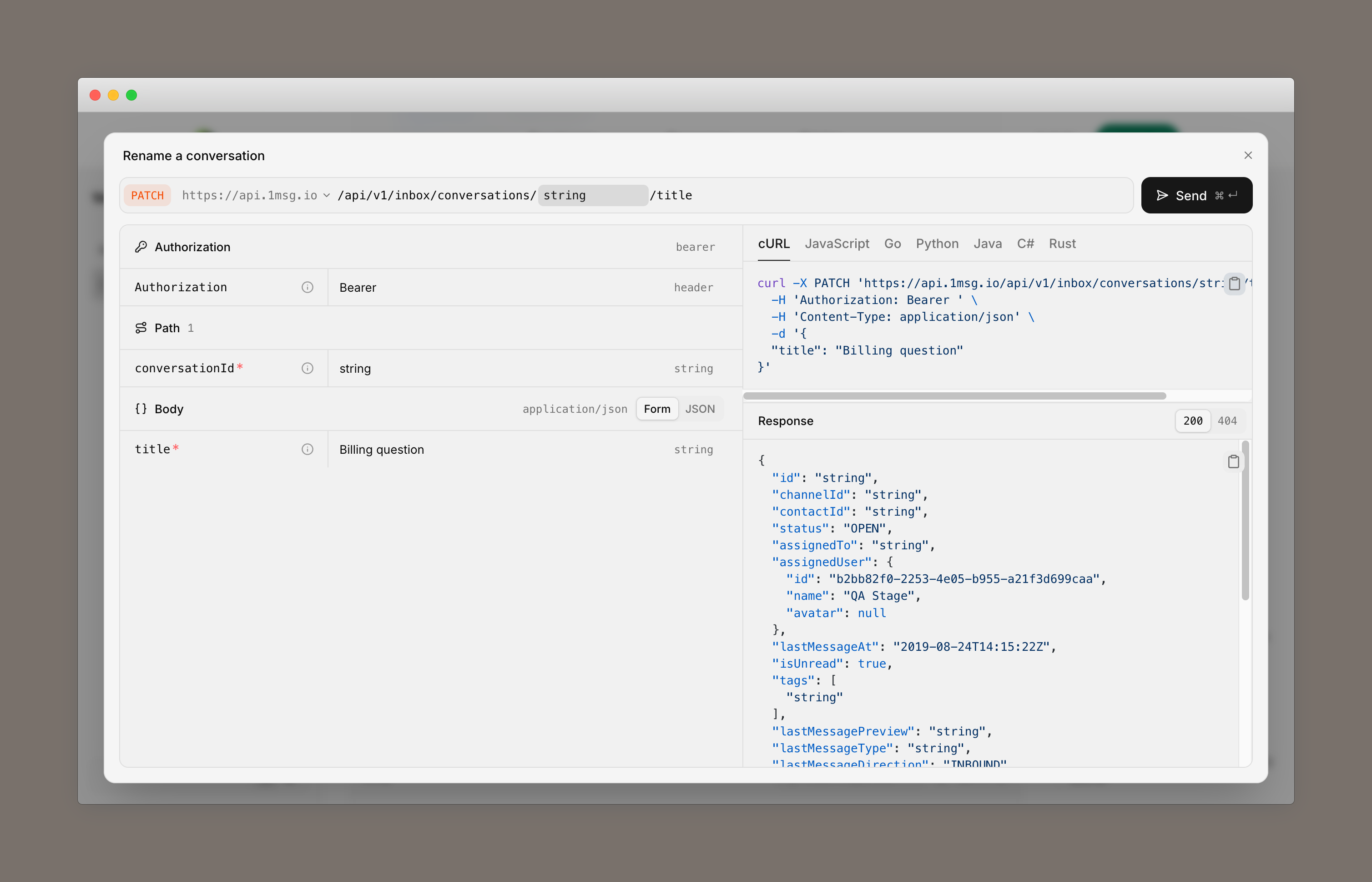
Some things you can build:
- Inbox in your CRM. Show the queue and the conversation history on the customer card, and find a conversation by phone number or message text.
- Assignment by your rules. Send each new conversation to the right operator by language, region, or customer segment.
- Bot-to-human handoff. Your bot hands a conversation to an operator when a person is needed, and closes it once the question is resolved.
- Status sync. Inbox events update the owner and the status of a deal or ticket in your CRM.
- Queue monitoring. Conversation counts feed a dashboard or an alert when unassigned conversations pile up.
Introducing the 1MSG Platform API
So far, everything you could do with the 1MSG API was about WhatsApp: the WhatsApp Business API itself and the tools we built around it.
WhatsApp Inbox API is the first API for the new 1MSG Platform itself, not for a WhatsApp channel. It covers how your team works with conversations, and it has its own keys, documentation, and webhook.
The two APIs split the work. The WhatsApp Business API sends and receives messages. Inbox API manages who handles a conversation, what state it is in, and what has changed. You still reply to customers through the WhatsApp Business API, and incoming messages and delivery statuses still arrive at your channel webhook.
Inbox is where this starts.
How to start
WhatsApp Inbox API is available on the new 1MSG Platform. Each API key belongs to a user and has that user's permissions: it sees the same channels, and every action is made on that user's behalf. For full access to all channels, the account owner creates a key for themselves. To work within a teammate's permissions, create a key for that teammate.
Send the key as a Bearer token. To receive Inbox events, the account owner sets an Inbox webhook URL. Methods and webhook events are in the WhatsApp Inbox API documentation.