
Send a reaction and mark as read via WhatsApp API
This scenario combines sendReaction and readMessage during the 24-hour customer service window.
Use case overview
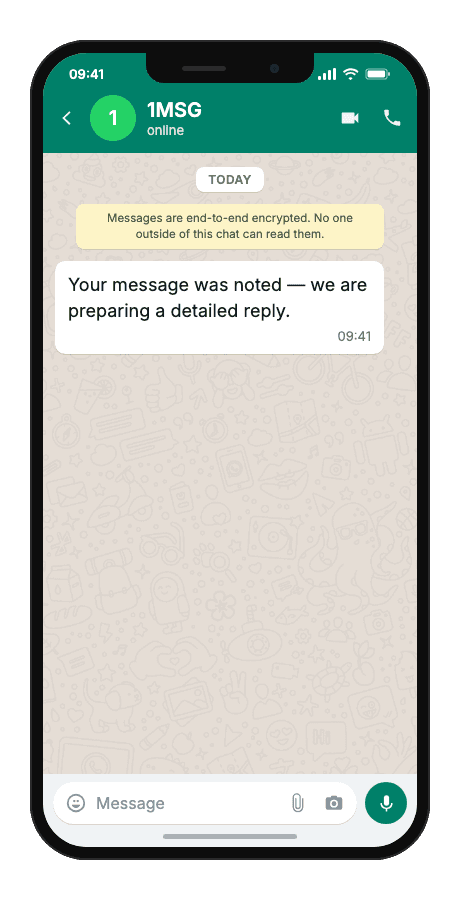
This scenario combines sendReaction and readMessage during the 24-hour customer service window. A thumbs-up reaction on the inbound message id signals acknowledgement without another text bubble.
Template example
Your message was noted — we are preparing a detailed reply.
When to use it
Reach for this scenario when a client message lands in an open WhatsApp support session and you need them to know it was seen before the full answer is ready. It fits developers wiring support bots, small teams handling chat queues, and agencies polishing client-facing support UX where every extra text bubble adds noise.
Workflow
- Status tracked
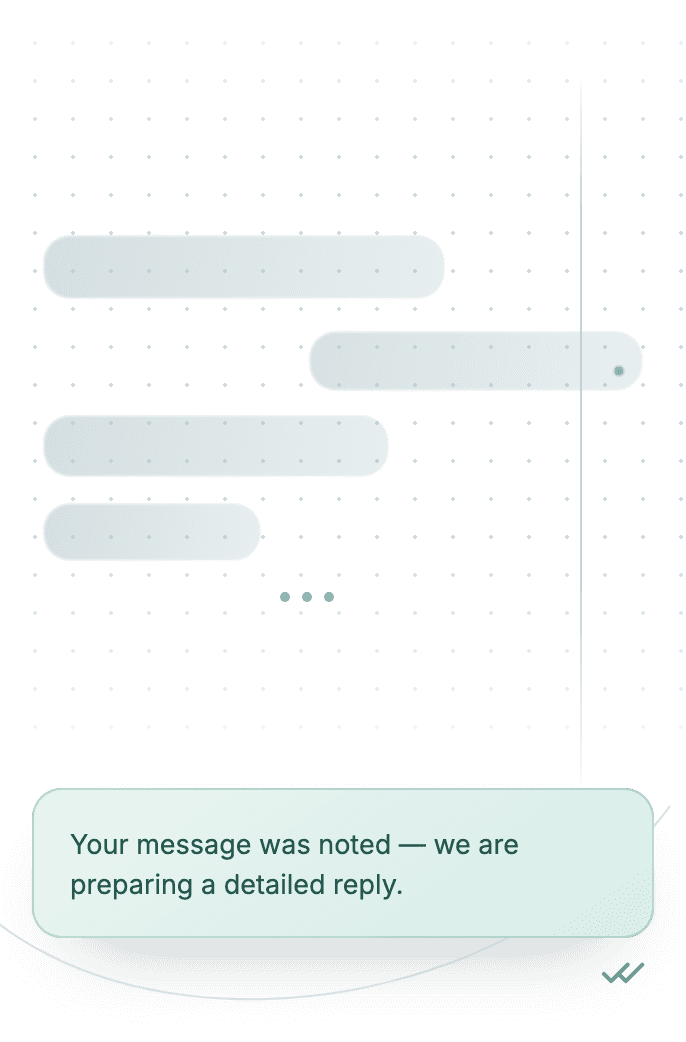
A client message arrives via webhook with its message id.
status:"read" - Build & send
Your backend sends a thumbs-up reaction quoted to that id.
POST/send_reaction - Capture event
readMessage marks the inbound message as read.
phone:"+…" - Delivered
The client sees acknowledgement while the detailed reply is prepared.
delivered
Technical implementation
Prerequisites
- 1MSG API Key · How to get API Key
- WhatsApp Business account · How to Connect WABA
- Open 24-hour session window · How the 24-hour window works
- Customer opt-in · How to Manage Customers Consent
- Webhook endpoint · How to Set Up Webhooks
Code examples
#!/usr/bin/env bash
set -euo pipefail

# === Configuration (replace "___" placeholders) ===
API_BASE_URL="https://api.1msg.io"        # production 1MSG API base URL
CHANNEL_ID="___"                           # channel ID from 1MSG dashboard
API_TOKEN="___"                            # channel JWT token (Bearer)


# === Test data ===
TEST_PHONE="___"                 # client phone in international format
INBOUND_MESSAGE_ID="___"                # inbound message ID for reaction/read

PHONE_NORM="$(printf '%s' "$TEST_PHONE" | tr -cd '0-9')"
REACTION_URL="${API_BASE_URL%/}/${CHANNEL_ID}/sendReaction"

read -r -d '' PAYLOAD <<JSON || true
{
  "phone": "${PHONE_NORM}",
  "body": "👍",
  "quotedMsgId": "${INBOUND_MESSAGE_ID}"
}
JSON

RESPONSE="$(curl -s -w '\n%{http_code}' -X POST "$REACTION_URL" \
  -H "Content-Type: application/json" \
  -H "Authorization: Bearer ${API_TOKEN}" \
  -d "$PAYLOAD")"

HTTP_CODE="$(printf '%s' "$RESPONSE" | tail -n1)"
BODY="$(printf '%s' "$RESPONSE" | sed '$d')"

case "$BODY" in
  *'"sent":true'*) ok=1 ;;
  *) ok=0 ;;
esac

if [ "$HTTP_CODE" -lt 200 ] || [ "$HTTP_CODE" -ge 300 ] || [ "$ok" -ne 1 ]; then
  echo "$BODY" >&2
  exit 1
fi


READ_URL="${API_BASE_URL%/}/${CHANNEL_ID}/readMessage"
read -r -d '' SECONDARY_PAYLOAD <<JSON || true
{ "messageId": "${INBOUND_MESSAGE_ID}" }
JSON

READ_RESPONSE="$(curl -s -w '\n%{http_code}' -X POST "$READ_URL" \
  -H "Content-Type: application/json" \
  -H "Authorization: Bearer ${API_TOKEN}" \
  -d "$SECONDARY_PAYLOAD")"

READ_CODE="$(printf '%s' "$READ_RESPONSE" | tail -n1)"
READ_BODY="$(printf '%s' "$READ_RESPONSE" | sed '$d')"

case "$READ_BODY" in
  *'"result":"success"'*) read_ok=1 ;;
  *) read_ok=0 ;;
esac

if [ "$READ_CODE" -lt 200 ] || [ "$READ_CODE" -ge 300 ] || [ "$read_ok" -ne 1 ]; then
  echo "$READ_BODY" >&2
  exit 1
fi


echo "Message sent to client."
Response and delivery status
HTTP 2xx and JSON "result": "success" mean 1MSG accepted the read receipt for the message.
{
  "result": "success"
}resultsuccess when the read receipt was accepted
Common errors
| Status | API response | Cause | Fix |
|---|---|---|---|
| 401 | token is required | The request has no token. | Add your channel token as the token query parameter: https://api.1msg.io/{channelId}/{method}?token=… |
| 429 | too many requests. please try later | The channel is over its send rate. | Queue messages on your side and retry with exponential backoff. |
| 403 | access denied | The token is wrong, or belongs to a different channel than the URL. | Check that the token and the channelId in the URL belong to the same channel. |