
Create a WhatsApp group via API (groups endpoint)
This scenario uses the groups API with a create operation to provision a named WhatsApp group for team broadcasts.
Use case overview
This scenario uses the groups API with a create operation to provision a named WhatsApp group for team broadcasts. No 24-hour session window is required because the call is a channel management action.
Template example
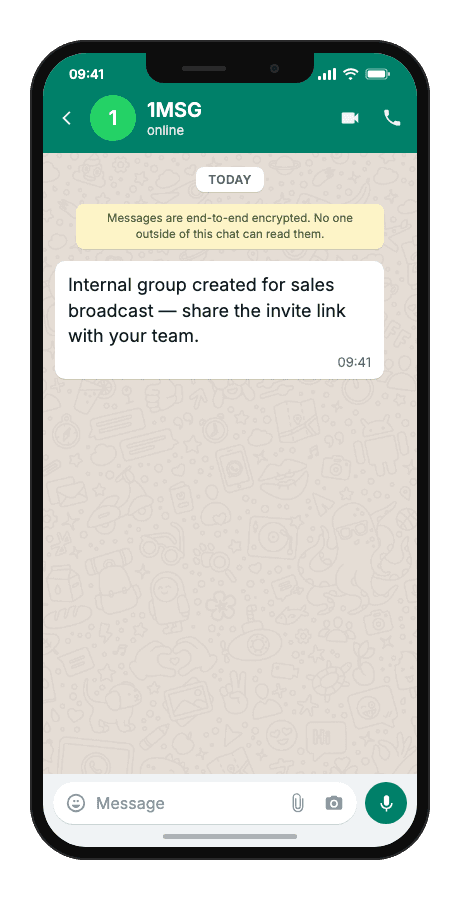
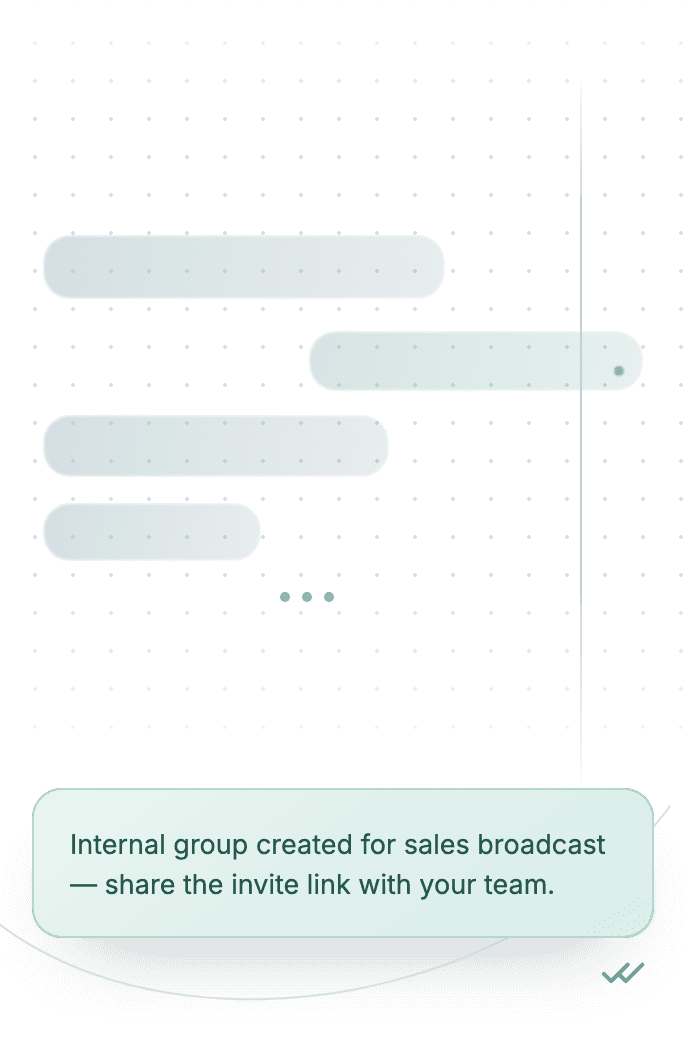
Internal group created for sales broadcast — share the invite link with your team.
When to use it
Reach for this when sales or marketing needs a dedicated WhatsApp group for internal broadcast and campaign coordination, and creating groups by hand in the Business app does not scale across channels or automation. It fits developers wiring CRM or admin triggers, small teams standing up a named broadcast channel, and agencies provisioning client campaign groups without manual admin steps.
Workflow
- Trigger
An admin or CRM event triggers team group provisioning.
event·triggered - Capture event
groups create sets the group name and internal broadcast description.
POST/groups - Build & send
The API returns group metadata including the invite link.
POST/groups - Delivered
Your system shares the invite URL with authorised team members.
delivered
Technical implementation
Prerequisites
- 1MSG API Key · How to get API Key
- WhatsApp Business account · How to Connect WABA
- Open 24-hour session window · How the 24-hour window works
- Customer opt-in · How to Manage Customers Consent
Code examples
#!/usr/bin/env bash
set -euo pipefail

# === Configuration (replace "___" placeholders) ===
API_BASE_URL="https://api.1msg.io"        # production 1MSG API base URL
CHANNEL_ID="___"                           # channel ID from 1MSG dashboard
API_TOKEN="___"                            # channel JWT token (Bearer)


URL="${API_BASE_URL%/}/${CHANNEL_ID}/groups"

read -r -d '' PAYLOAD <<JSON || true
{
  "groupName": "Sales team Q1",
  "description": "Internal broadcast"
}
JSON

RESPONSE="$(curl -s -w '\n%{http_code}' -X POST "$URL" \
  -H "Content-Type: application/json" \
  -H "Authorization: Bearer ${API_TOKEN}" \
  -d "$PAYLOAD")"

HTTP_CODE="$(printf '%s' "$RESPONSE" | tail -n1)"
BODY="$(printf '%s' "$RESPONSE" | sed '$d')"

case "$BODY" in
  *'"created":true'*) ok=1 ;;
  *) ok=0 ;;
esac

if [ "$HTTP_CODE" -ge 200 ] && [ "$HTTP_CODE" -lt 300 ] && [ "$ok" -eq 1 ]; then
  echo "$BODY"
else
  echo "$BODY" >&2
  exit 1
fi
Response and delivery status
HTTP 2xx and JSON "created": true mean the group exists. Save chatID — you send messages to the group with it.
{
  "created": true,
  "chatID": "[email protected]",
  "invite_link": "https://chat.whatsapp.com/<LINK_ID>"
}createdtrue when the group was created
chatIDSend messages to the group with this id
invite_linkLink participants use to join
Common errors
| Status | API response | Cause | Fix |
|---|---|---|---|
| 401 | token is required | The request has no token. | Add your channel token as the token query parameter: https://api.1msg.io/{channelId}/{method}?token=… |
| 429 | too many requests. please try later | The channel is over its send rate. | Queue messages on your side and retry with exponential backoff. |
| 403 | access denied | The token is wrong, or belongs to a different channel than the URL. | Check that the token and the channelId in the URL belong to the same channel. |